
Six formats for faceless Shorts
Three footage formats cut real video under your own script and narrator. Three knowledge formats draw quizzes, country matchups and then-and-now history from checked public data. All six are voiced by one of 26 narrators and render on your PC as a vertical 1080 × 1920 video.
Footage formats
The core of ViduciaStudio. An original script and your narrator lead every second, over real footage that is re-cut and re-framed, with every source recorded.
-
Type a topic, or leave it blank, and get an original script read by a natural narrator over real footage, with pictures that pop up the moment they’re named.
Real render: Two new Last of Us games confirmed, 0:57
- You type
- Your topic “Space, history, personal finance…”
- Left empty
- Viducia picks what’s trending
- Sources
- 10 to 14 clips from different YouTube videos, plus checked pictures for the key lines
- Length
- 50 to 80 seconds by default; any length from 10 to 180 seconds
-
An original first-person story, shown on social-post style cards over gameplay and read aloud one sentence at a time.
Real render: My landlord raised my rent by $600 until I checked zoning, 1:00
- You type
- Story topic “Workplace drama, revenge, wholesome moments…”
- Left empty
- Viducia chooses a story
- Sources
- One gameplay video underneath, with post cards the app draws itself
- Length
- 60 to 90 seconds by default
-
Your favourite movie or show scene, cut into one short: a cold open on its best moment, quick cuts of its biggest lines, and your narrator’s take, or no narrator at all.
Real render: When Captain America proved he was worthy, 0:55
- You type
- Movies or shows “Marvel, Breaking Bad, 90s action films…”
- Left empty
- Viducia picks a popular scene
- Sources
- One source scene, cut into short excerpts around your narrator’s commentary
- Length
- The studio recommends 45 to 60 seconds
Knowledge formats
Templates you will not find elsewhere: 18 animated designs in 5 colour themes, built on Wikidata, World Bank Open Data (CC BY 4.0) and checked Wikimedia Commons photos.
-
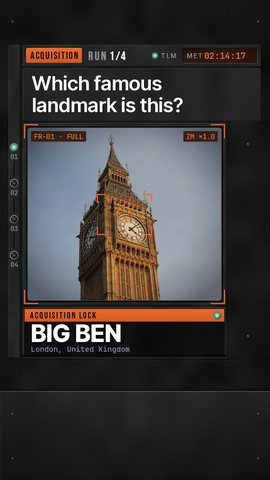
A picture quiz that builds itself. Checked photos, a ticking countdown, the big reveal, and an ending that asks viewers to comment their score.
Real render: Can you name these 5 landmarks? 3 seconds each, 0:44
- You type
- Place “Turkey, Japan, Europe…”
- Left empty
- Famous places from around the world
- Sources
- Places and facts from Wikidata, photos from Wikimedia Commons, each one checked
- Length
- 30 to 60 seconds, set by the voice and the number of rounds
-
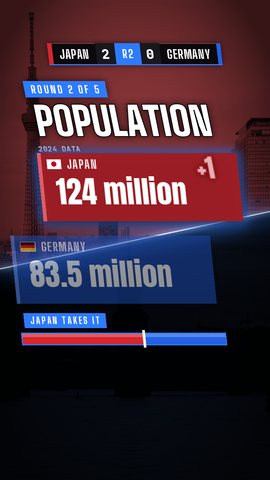
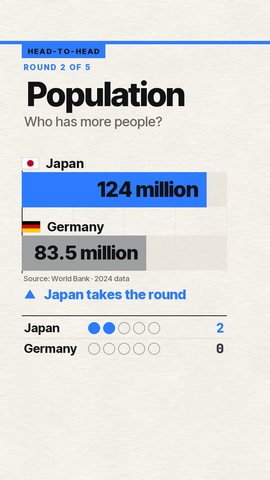
Two countries. Real World Bank numbers. One winner. Viewers pick a side each round while the scoreboard keeps it close to the end.
Real render: India vs Egypt: who wins?, 1:20
- You type
- Countries “Japan vs Germany, South America…”
- Left empty
- A fair matchup for every video
- Sources
- Every number from World Bank Open Data (CC BY 4.0), shown with its year
- Length
- 30 to 60 seconds; each round runs about 7.5 seconds, 2 more with the countdown
-
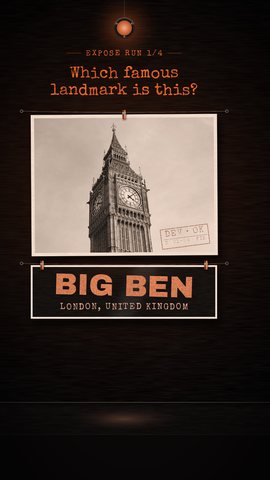
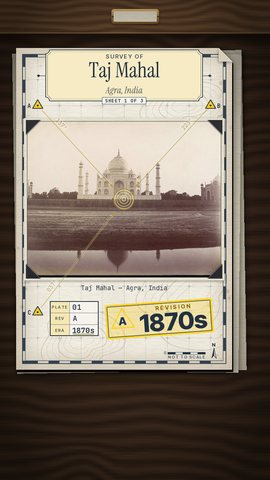
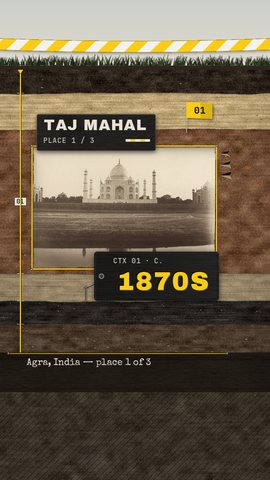
Famous places in genuinely dated old photos. Guess the decade, then wipe to the same spot today.
Real render: The Statue of Liberty through the decades, 0:47
- You type
- Place “Turkey, New York, Europe…”
- Left empty
- Famous places from around the world
- Sources
- Places from Wikidata, old photos from Wikimedia Commons dated from their own captions
- Length
- 30 to 60 seconds, with 2 to 6 places or 3 to 6 photos
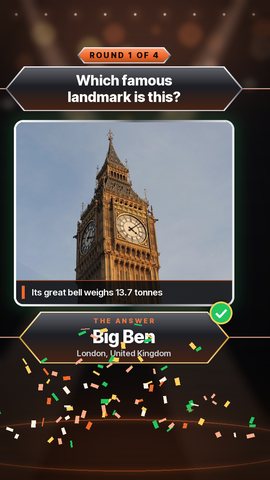
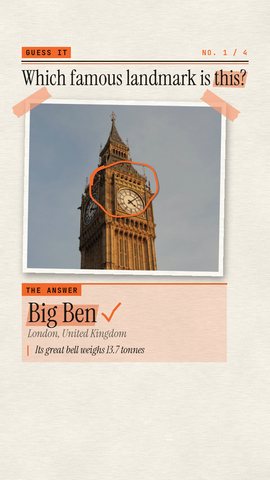
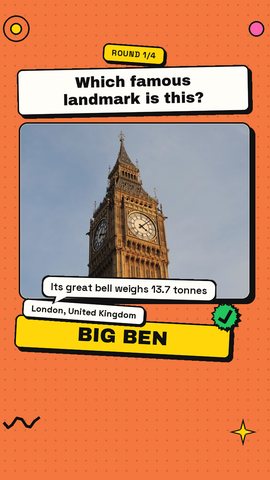
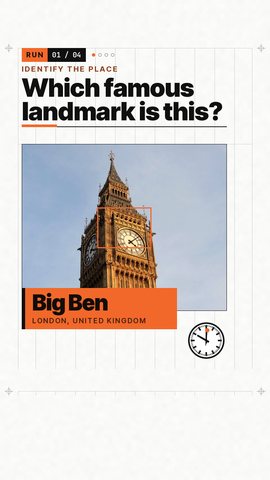
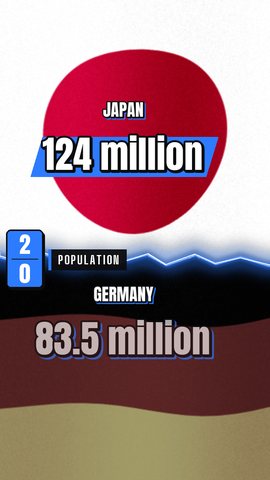
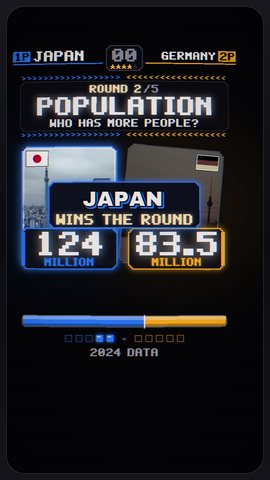
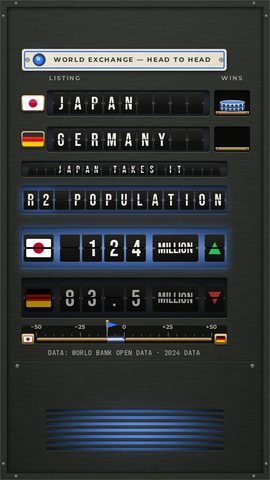
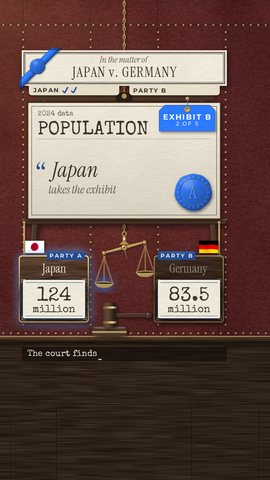
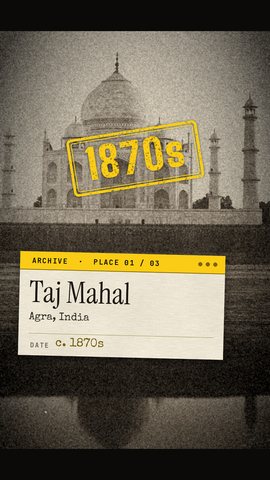
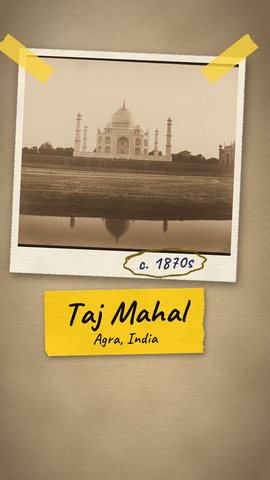
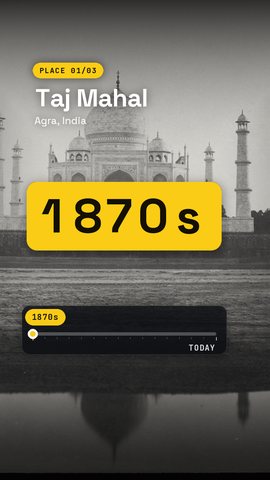
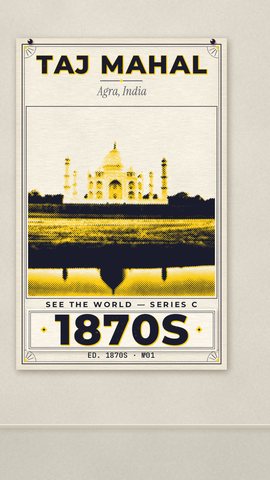
The six formats at a glance
Every format is vertical 9:16, English, and stops in your Review Queue before it renders.
| Format | You type | Narration | Length | Look |
|---|---|---|---|---|
| Standard Shorts | Your topic, optional. Left empty: Viducia picks what’s trending. | Always: an original script | 50 to 80 seconds by default; any length from 10 to 180 seconds | 12 caption looks, pictures on the beat, your watermark |
| Story Mode | Story topic, optional. Left empty: Viducia chooses a story. | Always: a first-person story | 60 to 90 seconds by default | Reddit-style or Facebook-style post cards over gameplay |
| Cinematic Clips | Movies or shows, optional. Left empty: Viducia picks a popular scene. | On, or off for a raw cut | The studio recommends 45 to 60 seconds | 12 caption looks for the narrator and the film’s lines |
| Guess It | Place, optional. Left empty: Famous places from around the world. | Everything, key lines or off | 30 to 60 seconds, set by the voice and the number of rounds | 6 designs in 5 themes |
| Head-to-Head | Countries, optional. Left empty: A fair matchup for every video. | Everything, key lines or off | 30 to 60 seconds; each round runs about 7.5 seconds, 2 more with the countdown | 6 designs in 5 themes |
| Time Machine | Place, optional. Left empty: Famous places from around the world. | Everything, key lines or off | 30 to 60 seconds, with 2 to 6 places or 3 to 6 photos | 6 designs in 5 themes |
The same in every format
You approve the price first
A new video uses one video from your week, whatever the format. Nothing runs until you confirm, and a failed task gives everything back.
26 narrators
Natural, expressive and Studio voices, all US English. Every expressive read is checked word for word against the script.
Word-timed captions
12 caption looks and 7 effects, with your script’s exact spelling. Captions never run across a cut.
Music and sound
A built-in CC0 music and sound-effects library, or Viducia picks a track for each video.
Review, then render
Each video waits in your Review Queue. Fix anything in the Studio Editor, then render it on your PC.
You post it
Download the MP4 with its title, description and tags ready to copy, and post it wherever you like.
Pick a format and shape your template
The Template Studio runs in your browser. Choose a format, set the narrator, captions and music on a live phone, and save it to a free account for the app.